THE ORIGINAL ZELDA ON NES GETS A NATIVE PC RECOMP UPDATE WITH EASY HD TEXTURE PACKS
The Legend of Zelda (NES) native PC recomp v1.9.4 adds one-click HD texture packs
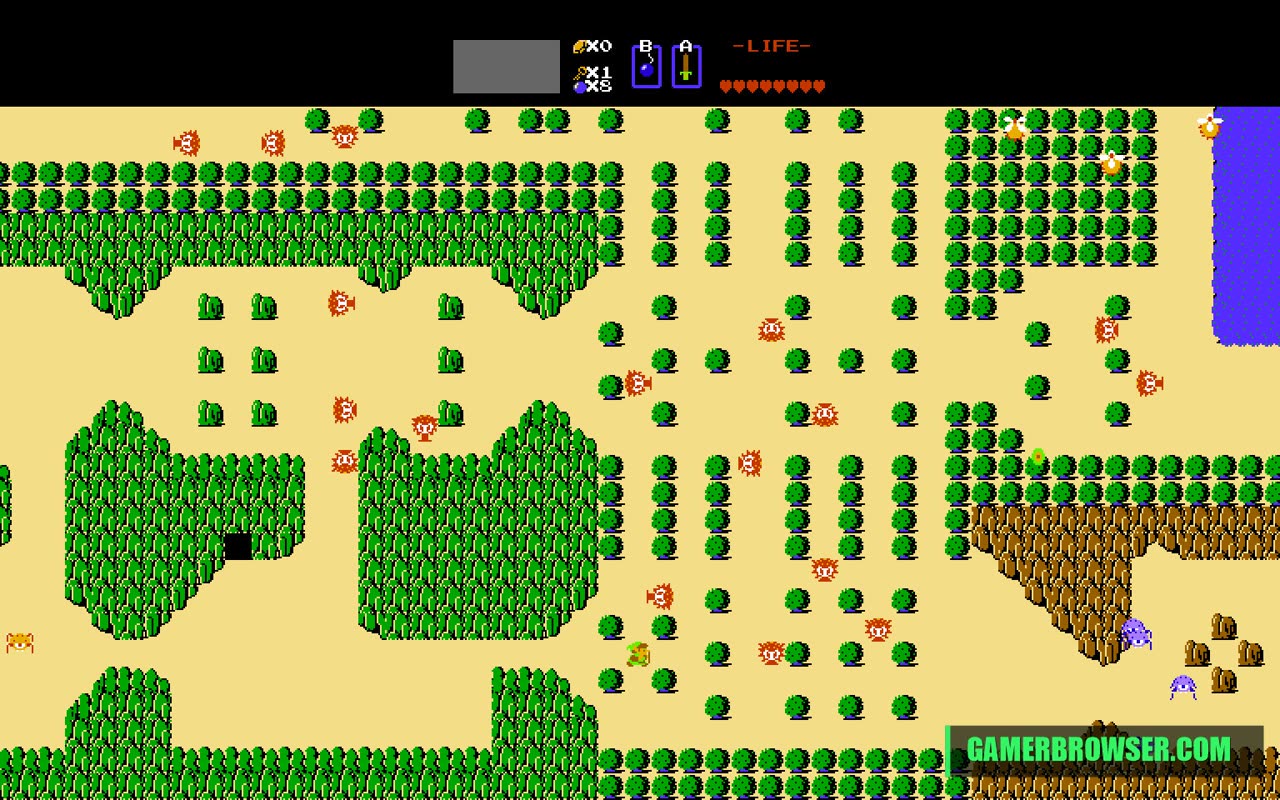
mstan's static recompilation turns the NES Legend of Zelda into a native Windows program, built on his own nesrecomp framework. The README says the overworld, dungeons, bosses, caves, the inventory screen and battery saves all work. Version 1.9.4 (24 October) adds direct support for Mesen HD packs: choose the Zelda Remastered HD zip you downloaded yourself in the Mods menu and it's applied in memory, with no manual extraction or pre-patched ROM. The dev is clear these are in-development previews: a new cycle-accurate CPU is now the default, and a full-game audit on it is still pending. It joins his SNES recomps of A Link to the Past, Super Metroid and Super Mario World already on our list.
You need: Your own The Legend of Zelda (USA) ROM, dumped from your cartridge. No game code or data is included. HD packs are optional and come from their creators' own downloads.
How to play The Legend of Zelda on PC
- Download LegendOfZeldaNESRecomp-windows-x64.zip from the releases page and extract it.
- Run LegendOfZeldaNESRecomp.exe and select your own USA ROM when prompted.
- Optional: in Mods, pick a Mesen HD pack zip you've downloaded and enable it.
▶ Get v1.9.4nesrecomp framework
Get your copy
🛒 The Legend of Zelda (NES) · Amazon 🎮 Play it on a handheld PC · Amazon
This port needs your own copy of the game. We may earn a small commission if you buy through these links. It never changes what we cover.More NES games you can play on PC
See every console game you can play natively on PC →
Open the live wire: every AI mashup, decomp and PC port
💬 Join the gamerbrowser.com Discord Follow @GamerBrowserx on X