ZELDA: SKYWARD SWORD HD GOES NATIVE ON PC, NO EMULATOR, LOCKED 60 FPS
Sky Recomp: The Legend of Zelda: Skyward Sword HD statically recompiled into a native Windows PC port
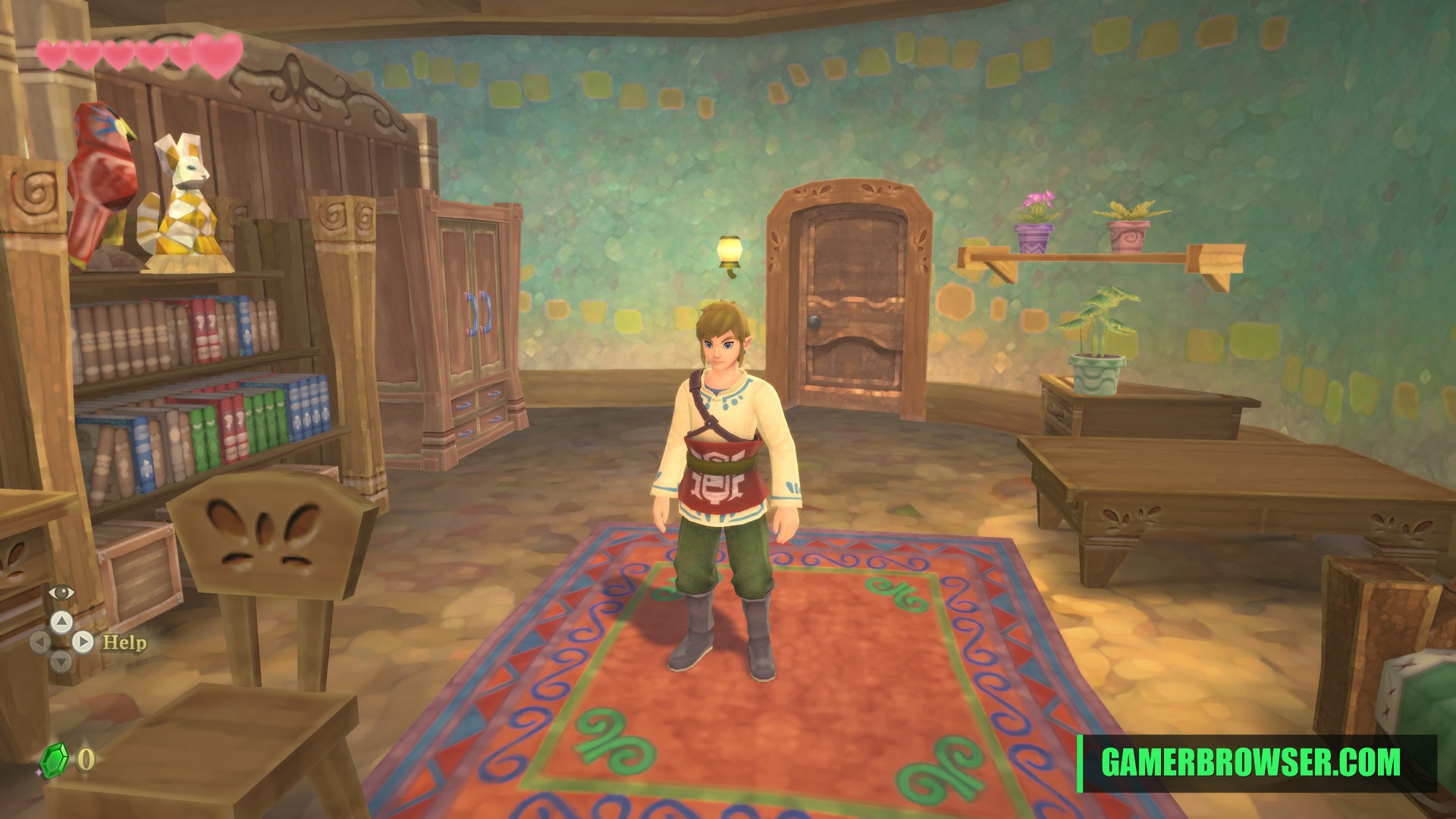
Apolinario-coder has released Sky Recomp v1.0.0 Beta 1, a native Windows port of The Legend of Zelda: Skyward Sword HD (Switch). The game's ARM64 code is statically recompiled to C, and the Switch's NVN graphics calls are translated to Vulkan 1.3, so there is no emulator in the loop. The developer lists 60 FPS at 1080p, 1440p, 4K and ultrawide, SDL3 controller support with right-stick sword controls, keyboard and mouse, and a setup screen that extracts your own copy in about 15 seconds. It needs Skyward Sword HD v1.0.0 with no updates applied. This is a first beta, released 17 October, the repo's first day. It joins other Switch recomps such as the Super Mario Bros. Wonder recomp.
You need: Your own Zelda: Skyward Sword HD (Switch) dump, version 1.0.0 with no updates, plus keys from your own console. Windows 10/11 and an AVX2 CPU. No game files are included.
How to play The Legend of Zelda: Skyward Sword HD on PC
- Download SkyRecomp-v1.0-Beta1-Windows.zip from the releases page and extract it.
- Run skyrecomp.exe and pick your own Skyward Sword HD v1.0.0 dump and keys.
- Click Extract & Play.
▶ Get v1.0.0 Beta 1Sky Recomp on GitHub
More Switch games you can play on PC
- B2recomp: Bayonetta 2 (Switch) statically recompiled for Windows
- Mario Kart 8 Deluxe gets an unofficial native iOS and macOS port
- Super Mario Bros. Wonder Recomp: a Switch game being statically recompiled to native code
- LAS Recomp Beta 3: Link's Awakening (Switch) recompiled natively for Windows, macOS and Linux
- Super Smash Bros. Ultimate static recomp to native Windows
See every console game you can play natively on PC →
Open the live wire: every AI mashup, decomp and PC port
💬 Join the gamerbrowser.com Discord Follow @GamerBrowserx on X