CRASH TWINSANITY GOES NATIVE ON WINDOWS, NO PS2 EMULATOR, PLAYABLE TO THE CREDITS
Crash Twinsanity (PS2) runs natively on Windows, played through to the credits
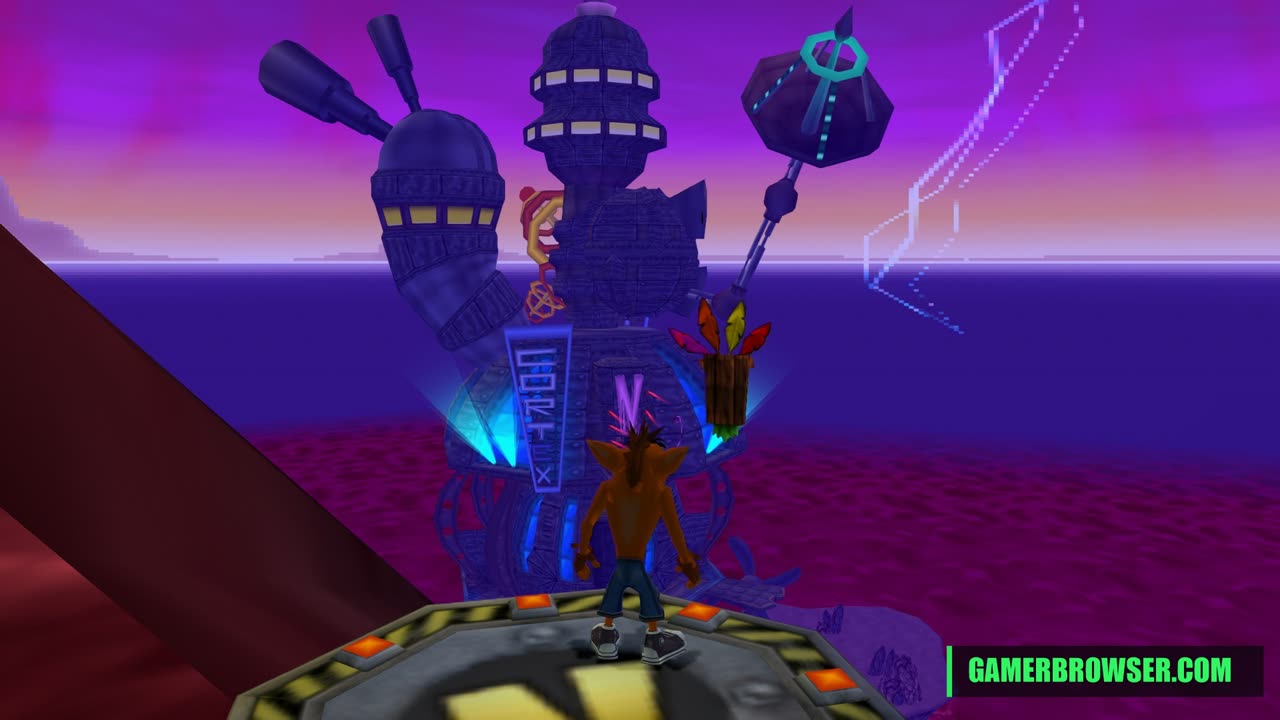
GioPixelGH has released a native 64-bit Windows build of Crash Twinsanity, the 2004 PS2 Crash Bandicoot game. It is a Windows port of HAB3X's Mac port, which runs Smartkin's complete C++ decompilation of the game on SDL3 with an OpenGL renderer for the PS2's graphics, plus sound, movies and saves. The Windows version adds a steady 60 fps and fixes for crashes found by playing it through to the credits. Releases have been coming almost daily since v1.0.8 on Oct 18; v1.0.18 on Oct 25 fixes two more cutscene skips. Only the PAL release (SLES-52568) is supported.
You need: Your own PAL (Europe/Australia, SLES-52568) disc image of Crash Twinsanity for PS2. A 64-bit Windows PC.
How to play Crash Twinsanity on PC
- Download the latest release from GitHub and extract it.
- Start the program and point it at your PAL Crash Twinsanity disc image.
- Play; it reads the game data from your image each time it starts.
▶ v1.0.18 releaseSmartkin's decompilation
Get your copy
🛒 Crash Twinsanity (PS2) · Amazon 🎮 Play it on a handheld PC · Amazon
This port needs your own copy of the game. We may earn a small commission if you buy through these links. It never changes what we cover.More PS2 games you can play on PC
- Gran Turismo 2 gets a native PC, VR and Quest port, and v0.9.0 adds 722 GT4 cars
- Grandia III gets a native Windows port by static recompilation of the PS2 game
- GT4Recomp: Gran Turismo 4 statically recompiled into a native Windows game, v1.2.5 out
- God of War Native PC: the PS2 original statically recompiled into a Windows program, with a one-click installer
- Rampage: Total Destruction (PS2) native port on PC, Android, Linux and Switch, v1.1 adds 4-player modes
- Ace Combat 5: The Unsung War recompiled for Windows with a native renderer
See every console game you can play natively on PC →
Open the live wire: every AI mashup, decomp and PC port
💬 Join the gamerbrowser.com Discord Follow @GamerBrowserx on X