POKÉMON LET'S GO GOES NATIVE ON PC: SWITCH RECOMP HITS 4K AND 120 FPS
Pokémon: Let's Go, Eevee! and Pikachu! (Switch) get a native Windows port, v0.5.0 out
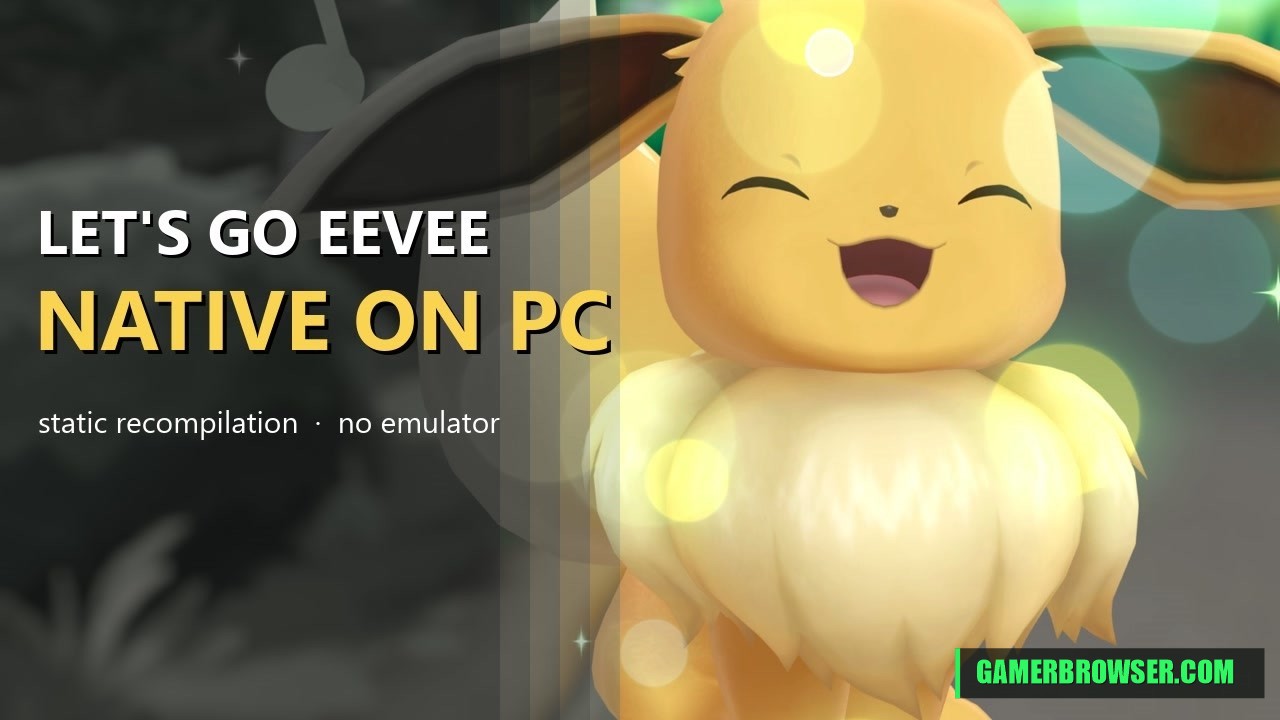
raulzrrs's Let's Go Recomp is a static recompilation of Pokémon: Let's Go, Eevee! and Pikachu! (Switch v1.0.0). The game's ARM64 code is translated to C and compiled for Windows, with a runtime standing in for the Switch and NVN graphics on Vulkan. It's not an emulator. It's built on peiikai's LAS Recomp, the Link's Awakening Switch recomp. The repo opened Oct 16, and v0.5.0 (Oct 20) adds a new launcher, SSAO and GI, and 60/120 FPS modes. It goes up to 4K with SMAA, TAA or FSR 3.1. It's still a work in progress: nobody has finished the game on it yet, and v0.4.x fixed crashes in wild battles.
You need: Your own copy of Pokémon: Let's Go, Eevee! or Pikachu! (Switch v1.0.0), extracted from your own console (the exefs and romfs folders). No game files are included.
How to play Pokémon: Let's Go, Eevee! on PC
- Download the latest build from the Releases page and extract it.
- Point the launcher at your extracted exefs and romfs folders.
- Pick the resolution, anti-aliasing and 60/120 FPS mode, then play.
▶ v0.5.0 releaseSource & README
More Switch games you can play on PC
- WindowSmash: Super Smash Bros. Ultimate as a native Windows program, alpha out
- B2recomp: Bayonetta 2 (Switch) statically recompiled for Windows
- Sky Recomp: The Legend of Zelda: Skyward Sword HD statically recompiled into a native Windows PC port
- Mario Kart 8 Deluxe gets an unofficial native iOS and macOS port
- Super Mario Bros. Wonder Recomp: a Switch game being statically recompiled to native code
- LAS Recomp Beta 3: Link's Awakening (Switch) recompiled natively for Windows, macOS and Linux
See every console game you can play natively on PC →
Open the live wire: every AI mashup, decomp and PC port
💬 Join the gamerbrowser.com Discord Follow @GamerBrowserx on X